- AI & Automation
- WhatsApp Marketing
Automating Customer Support with AI Without Losing the Human Touch
How to plan AI customer support automation that answers faster, hands off to people at the right moment and fits WhatsApp's 2026 rules and pricing.
 AuthorRehmat Ullah7 min read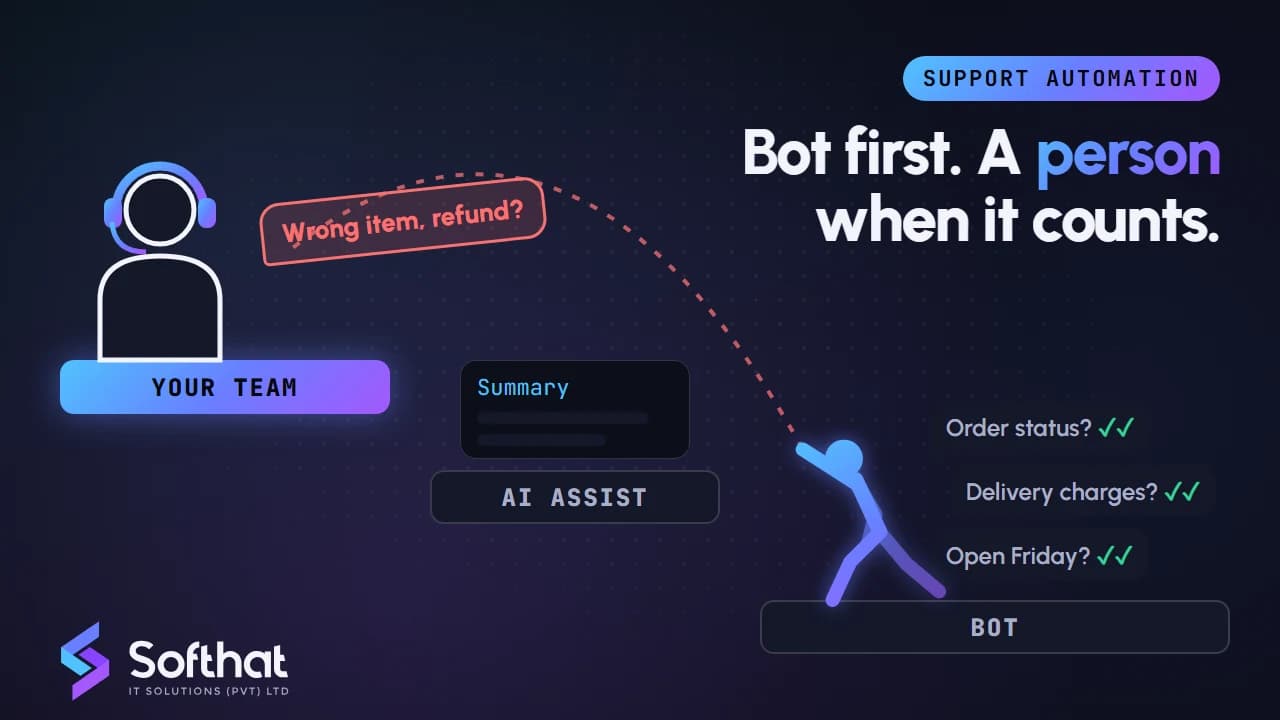
Table of Contents
Most customer support teams in Pakistan spend their day answering the same questions: order status, delivery charges, return rules, branch timings. Meanwhile, the customer with a real problem waits in the queue behind them.
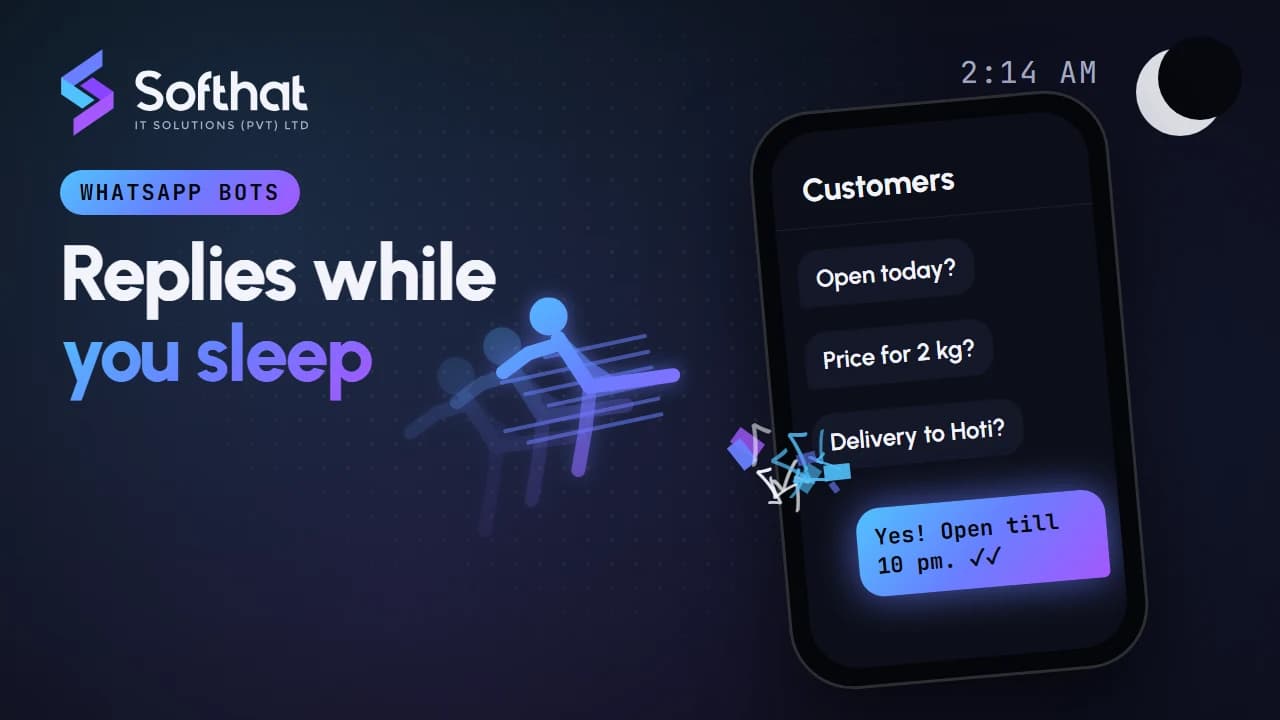
AI customer support automation can clear that queue. Done well, it answers routine questions in seconds and gives your team more time for the conversations that need a person.
Done badly, it traps customers in loops, gives wrong answers with confidence and damages trust you spent years building. This guide shows how to get the first result and avoid the second.
What AI customer support automation actually means
The phrase covers more than a chatbot. In practice, there are three layers, and most businesses need all of them.
- Self-service automation. A bot on WhatsApp or your website answers common questions and completes simple tasks, such as checking an order or booking a slot.
- AI assistance for agents. AI works behind the scenes: it summarizes long chats, suggests replies, tags the topic and pulls up the customer's order history.
- Human expertise. People handle complaints, refunds, exceptions and anything emotional or high-value.
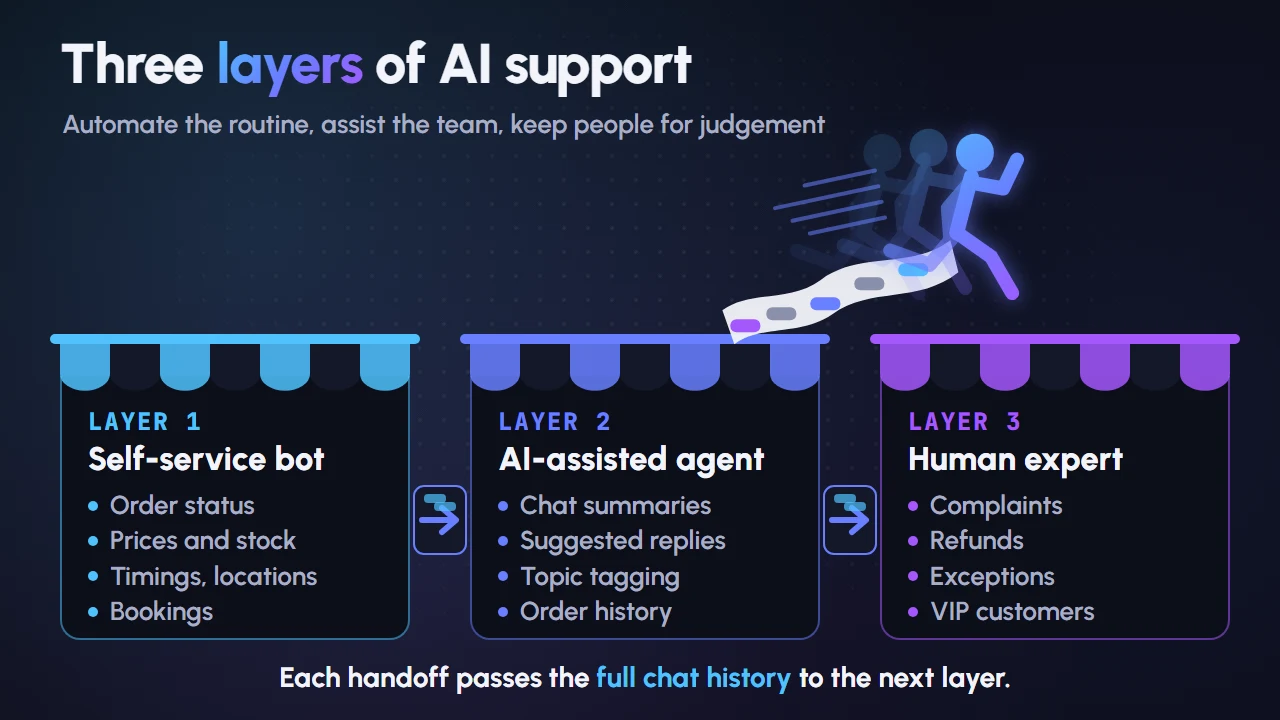
The human touch comes from getting the boundaries between these layers right, not from avoiding automation altogether.
Which support tasks to automate first
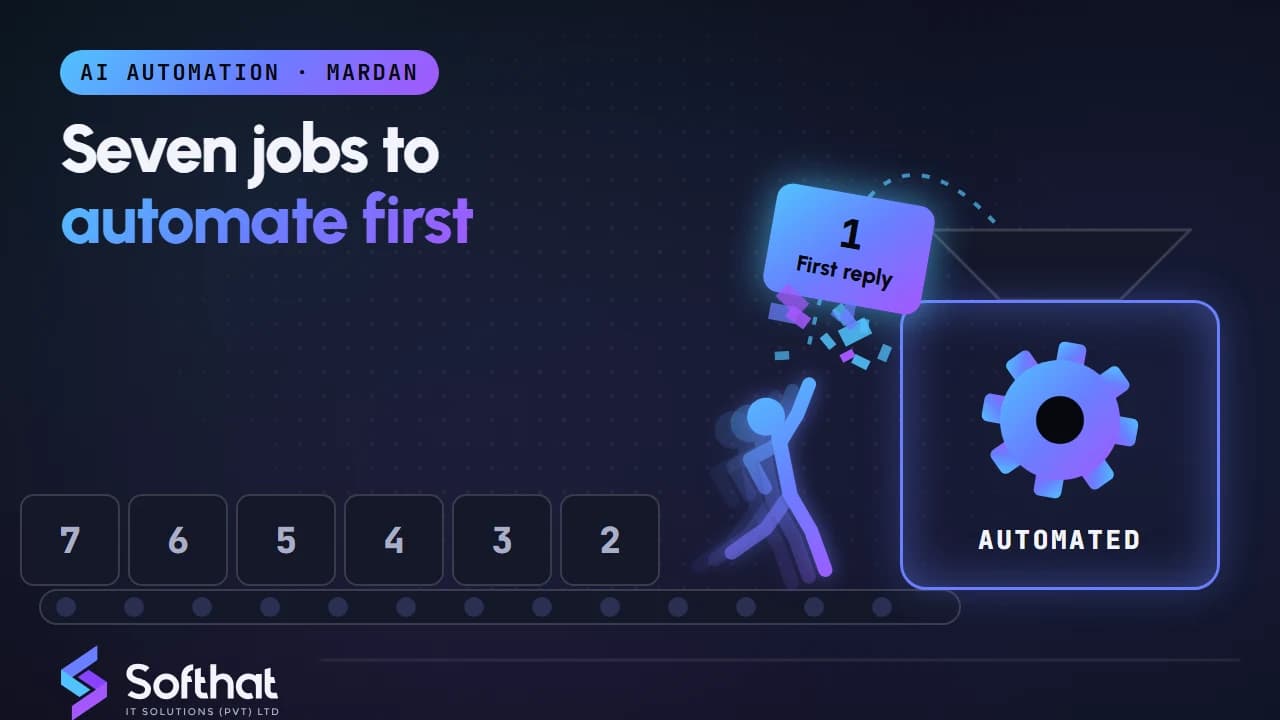
Start with conversations that are frequent, predictable and low-risk. A quick review of last month's chats usually shows clear patterns.
Good candidates for automation
- Order and delivery status, using your courier or store data.
- Prices, stock, sizes and product details.
- Store timings, branch locations and delivery areas.
- Appointment booking, rescheduling and reminders.
- Return and exchange policy explanations.
- Collecting details before a person takes over, such as order number and photos of a damaged item.
Keep these with people
- Complaints and angry customers.
- Refunds, compensation and billing disputes.
- Medical, legal or financial advice.
- VIP and large B2B accounts.
- Anything where a wrong answer costs money or trust.
A useful test: if a new staff member could answer it correctly on day one with a written guide, a well-built bot probably can too.
Designing handoffs that keep the human touch
The handoff is where customers decide whether your automation helps or annoys them. WhatsApp also makes it a rule: its Business Messaging Policy says businesses using automation must provide "prompt, clear, and direct escalation paths."
When the bot should hand off
- The customer asks for a person, in any wording ("agent", "insaan se baat", "call me").
- The bot is not confident in its answer.
- The customer repeats the same question or shows frustration.
- The topic is on your "keep with people" list.
- The customer is a high-value account or has an open complaint.
How to hand off well
- Tell the customer what happens next and roughly when. "A team member will reply within business hours" is better than silence.
- Pass the full chat history and collected details to the agent, so the customer never repeats themselves.
- Show the agent a short AI summary: the issue, what the bot already said and the customer's mood.
- Outside working hours, be honest about response times and take a callback request.
Write like your best staff member
Give your bot a tone guide. Polite greetings such as "Assalam-o-Alaikum", short answers, no robotic phrases, and support for Roman Urdu if your customers use it. Tell customers they are talking to an automated assistant. Pretending the bot is a person backfires the moment it makes a mistake.
Keeping AI answers accurate
The biggest risk with AI support is not rudeness. It is a confident wrong answer, such as an invented discount or a delivery promise you cannot keep.
Ground the AI in your own information
Connect the assistant to an approved knowledge base: your price list, policies, FAQs and product data. Instruct it to answer only from that material and to hand off when the answer is not there. This approach is often called retrieval-augmented generation, or RAG.
Connect live data for live questions
Order status and stock change hourly. Pull them from your store, ERP or courier system through an integration rather than copying them into a document. Tools like n8n can connect these systems; our n8n workflow automation guide explains how.
Review conversations every week
Read a sample of bot chats and every handoff. Each wrong or missing answer is a knowledge base update. Assign an owner for this job, or accuracy will drift as prices and policies change.
Protect customer data
WhatsApp's policy says businesses should not ask customers to share full payment card numbers, financial account numbers or personal ID card numbers in chats. Send secure payment links instead.
Also check how your AI vendor uses your data. Meta's WhatsApp Business Solution Terms restrict using data from the platform to train or improve AI models, with a narrow exception for fine-tuning a model for your own internal use.
WhatsApp rules and pricing that affect support bots
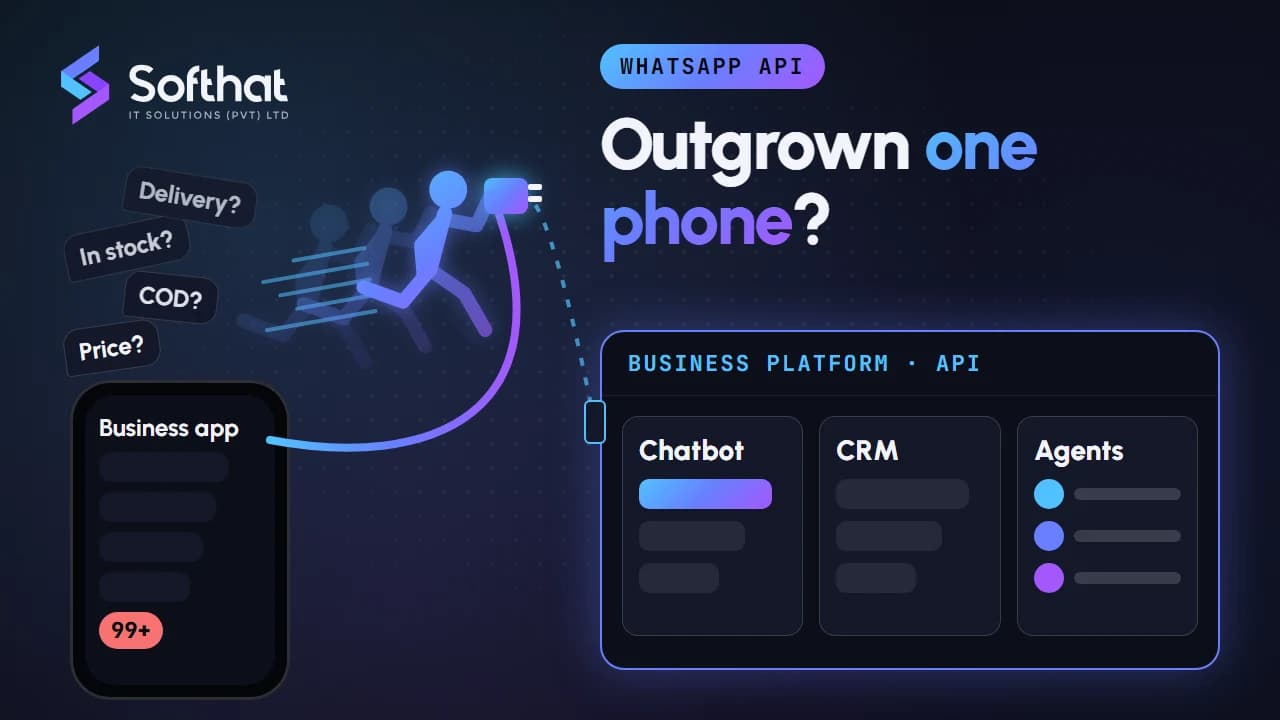
WhatsApp is the main support channel for many Pakistani businesses, and two platform changes shape how you should design automation there.
AI is allowed for business support
Meta's terms restrict general-purpose AI assistants on the WhatsApp Business Platform, where the AI itself is the product. A support assistant for your own customers is a business use and remains allowed. Our guide to WhatsApp chatbots for small businesses covers what is and is not permitted.
Service messages are now charged
Since 1 October 2026, Meta charges for service messages, the free-form replies sent inside the 24-hour customer service window. This applies whether a person or a third-party AI tool writes the reply. Meta says it does not offer volume tiers for service messages.
The 72-hour free entry point window for customers who arrive from Click to WhatsApp ads remains free for message delivery.
Meta has also launched its own Meta Business Agent Platform, whose AI replies are charged by tokens as a separate category. Compare its cost against a third-party assistant for your expected volume.
What this means for bot design
- Combine answers into one clear message instead of several short bubbles.
- Use buttons and lists so customers reach the answer in fewer steps.
- Avoid unnecessary "Anything else?" follow-ups that add a charged message.
- Track cost per resolved conversation alongside customer satisfaction.
How to roll out AI support in phases
A phased rollout keeps risk low and gives your team time to trust the system.
| Phase | What you launch | What you measure |
|---|---|---|
| 1. Assist | AI summaries and suggested replies for agents only | Reply time, agent edits to suggestions |
| 2. Self-service basics | Bot handles 3 to 5 routine topics with handoff | Resolution rate, handoff reasons |
| 3. Connected tasks | Order lookup, booking and returns via integrations | Task completion, errors |
| 4. Proactive updates | Approved utility templates for order and delivery updates | Fewer "where is my order" chats |
Starting with agent assistance is a low-risk first step. The AI's suggestions are checked by a person before they reach a customer, which shows you where the knowledge base is weak.
If you are weighing more autonomous tools, our explainer on AI agents for small businesses covers where they help and where they still need close supervision.
Metrics that show whether automation is helping
Measure customer outcomes, not just deflection.
- First response time, across automated and human replies.
- Resolution rate: chats fully solved without a handoff.
- Time to resolution for handed-off chats.
- Repeat contact rate: customers coming back about the same issue.
- Customer satisfaction, using a one-question rating after the chat.
- Handoff reasons, grouped by topic.
- Cost per resolved conversation, including Meta's message charges and tool fees.
A rising resolution rate with falling satisfaction is a warning sign. It usually means the bot is closing chats that it did not truly solve.
Key takeaways
- AI customer support automation works best in three layers: self-service, agent assistance and human expertise.
- Automate frequent, predictable, low-risk questions first. Keep complaints and refunds with people.
- Clear, fast handoffs are both good service and a WhatsApp policy requirement.
- Ground AI answers in your own approved information and review conversations weekly.
- Design WhatsApp bots for fewer, better messages now that service messages are charged.
Build support automation your customers will like
The goal is not fewer people. It is faster answers for simple questions and more attention for the customers who need it.
Softhat designs and builds AI customer support automation and WhatsApp chatbots for businesses across Pakistan, connected to your store, CRM or booking system, with handoffs your team controls. Book a free strategy call and we will review your support chats and suggest what to automate first.