
- SEO
Technical SEO Checklist: 25 Checks for a Healthy Website
A practical technical SEO checklist with 25 checks for crawling, indexing, site structure, page experience and on-page signals, based on Google's docs.
 AuthorRehmat Ullah7 min read
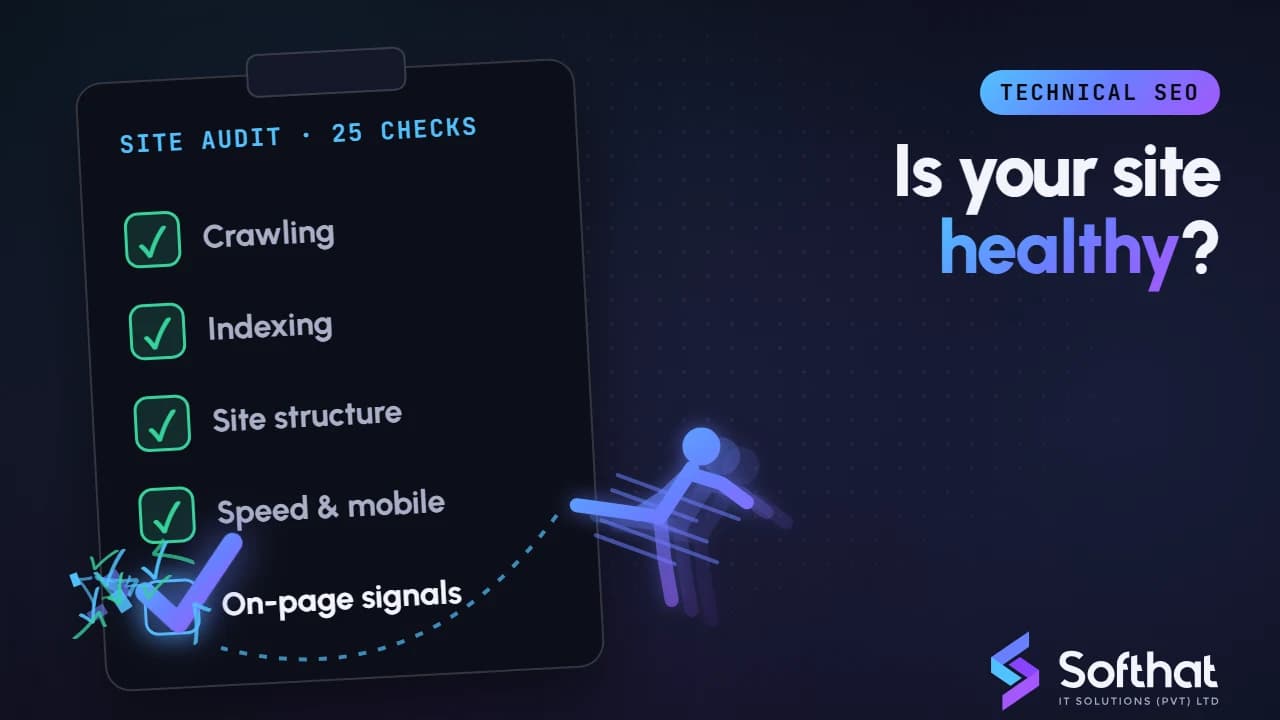
Table of Contents
Great content cannot rank if Google cannot crawl it, index it or understand it. Technical SEO (the behind-the-scenes setup that makes your site easy for search engines to process) is the foundation everything else stands on.
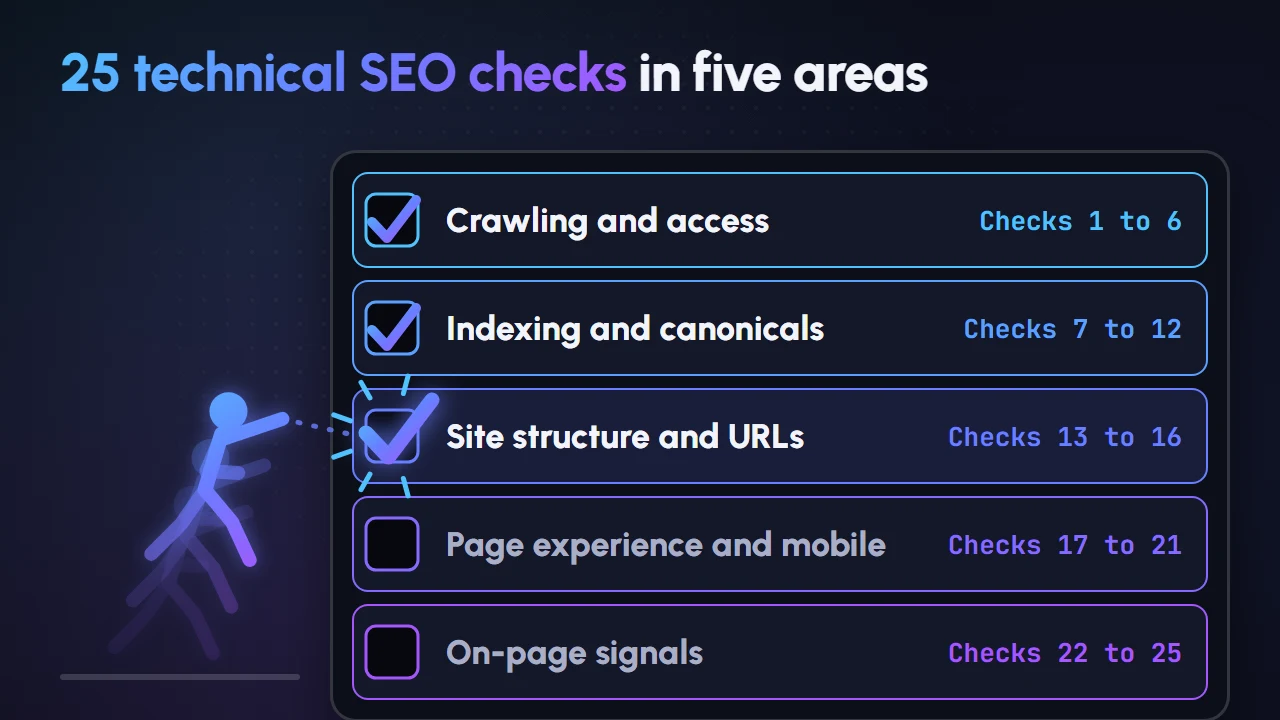
This technical SEO checklist gives you 25 practical checks, grouped into five areas. Each one is based on Google Search Central documentation, so you are fixing what Google actually says matters. Work through it once a quarter, and after any major website change.
Before you start: the tools you need
You can complete most of this checklist with free tools:
- Google Search Console: the Page indexing, Sitemaps, Core Web Vitals and HTTPS reports, plus the URL Inspection tool.
- PageSpeed Insights: for real-user and lab performance data.
- A site crawler: to find broken links, redirects and missing tags across many pages.
- Your browser's developer tools: to check source code, headers and rendered content.
Google's baseline is simple. A page is only eligible for Search if Googlebot isn't blocked, the page returns an HTTP 200 (success) status code and it has indexable content (Google Search Central).
Crawling and access (checks 1 to 6)
Robots.txt does not block important pages. Open
yourdomain.com/robots.txtand confirm noDisallowrule blocks key pages, CSS or JavaScript. Staging rules copied to the live site are a common cause of lost traffic. Our guide to robots.txt covers the syntax.Robots.txt is not used to hide pages. Google states robots.txt "is not a mechanism for keeping a web page out of Google". Use
noindexor password protection instead (Google Search Central).An XML sitemap is submitted and clean. List only canonical, indexable URLs that return 200. A single sitemap is limited to 50MB uncompressed or 50,000 URLs. Google ignores
<priority>and<changefreq>, but uses<lastmod>when it is consistently accurate (Google Search Central).Links are crawlable. Google can generally only crawl links that are
<a>elements with anhrefattribute. Buttons oronclickhandlers without anhrefmay not be followed (Google Search Central).Server errors are rare. Check the crawl stats and Page indexing reports for 5xx errors. Google notes that 5xx and 429 errors prompt its crawlers to slow down crawling (Google Search Central). Slow or overloaded hosting can hold back a growing site.
HTML stays within Googlebot's fetch limit. When crawling for Google Search, Googlebot fetches the first 2MB of a supported file type, and each CSS or JavaScript resource has the same limit (Google Search Central). Very large inline scripts or data can push important content past the cutoff.
Indexing and canonicalization (checks 7 to 12)
The Page indexing report is reviewed. In Search Console, look at why pages are not indexed. Focus on reasons affecting pages you want in Google, not on every excluded URL.
Noindex is only where you intend it. Search your templates for
noindex. For the rule to work, the page must not be blocked by robots.txt, otherwise Google never sees it (Google Search Central).Canonical tags point to the right URL. Each indexable page should have a self-referencing
rel="canonical", and duplicates should point to the preferred version. Google treats redirects andrel="canonical"as strong canonical signals, and sitemap inclusion as a weak one (Google Search Central). Read more on canonical URLs.Only one version of the site resolves.
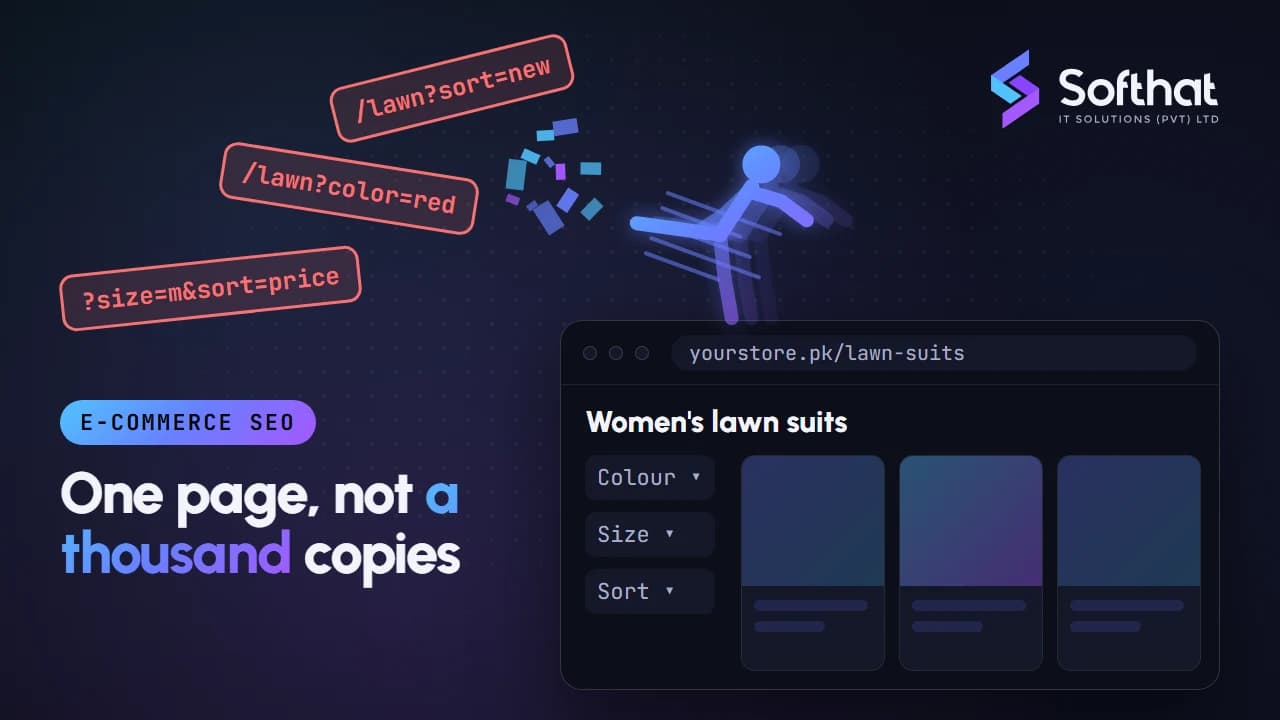
http://,https://,wwwand non-wwwversions should redirect permanently to a single preferred version.Parameter and filter URLs are controlled. E-commerce filters and sort options can create thousands of near-duplicate URLs. Google has specific guidance on managing faceted navigation to avoid wasted crawling (Google Search Central).
Missing pages return a real 404 or 410. A "not found" page that returns 200 is a soft 404. Search Console flags soft 404 errors, and they waste crawling on pages with no value (Google Search Central).
Site structure and URLs (checks 13 to 16)
URLs are clean and crawlable. Google recommends not using URL fragments (
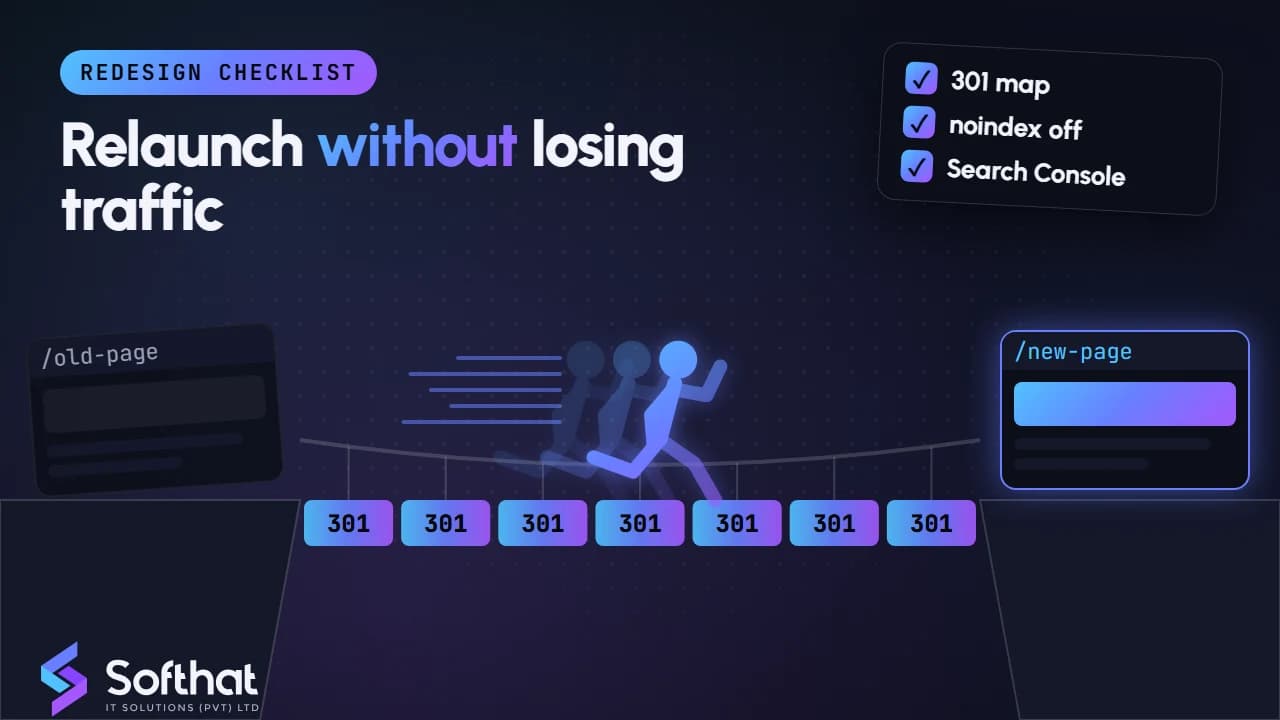
#) to change content, and using standardkey=valueparameters joined by&(Google Search Central). Short, readable URLs with hyphens also help users.Redirects are permanent and direct. Use 301 or 308 for permanent moves. Google advises redirecting straight to the final destination, and keeping any chain ideally to no more than 3 hops (Google Search Central). Planning a relaunch? Use our website redesign checklist.
Important pages are well linked internally. Every key service, product and category page should be reachable within a few clicks from the home page. Pages with no internal links (orphan pages) are harder for Google to discover.
JavaScript content is visible to Google. Googlebot queues pages for rendering, and server-side rendered pages put content straight into the HTML response (Google Search Central). Use URL Inspection to confirm the rendered HTML includes your main content and links.
Page experience and mobile (checks 17 to 21)
The whole site uses HTTPS. Check Search Console's HTTPS report, which Google lists among its page experience resources (Google Search Central). Fix mixed content warnings and expired certificates quickly.
Mobile and desktop content match. Google uses the mobile version of a site's content for indexing and ranking. Make sure the mobile site has the same primary content, structured data and metadata as desktop (Google Search Central).
Primary content does not rely on user interaction to load. Google advises against lazy-loading primary content upon user interaction, because Googlebot won't trigger those interactions (Google Search Central). Tabs and "load more" buttons deserve a check.
Core Web Vitals are in the good range. Google recommends LCP within 2.5 seconds, INP under 200 milliseconds and CLS under 0.1 (Google Search Central). Responsiveness is often the hardest to fix, so see our INP guide.
No intrusive interstitials. Full-screen pop-ups that cover the main content make pages harder to use, especially on mobile. Google has guidance on avoiding intrusive interstitials and dialogs (Google Search Central).
On-page technical signals (checks 22 to 25)
Every page has a unique, descriptive title. Google recommends descriptive, concise
<title>text, avoiding keyword stuffing and vague labels such as "Home" (Google Search Central). Check for duplicates across templates.Meta descriptions summarize each page. Google may use a meta description for the snippet when it describes the page better than on-page text (Google Search Central). Write unique descriptions for key pages rather than repeating one across the site.
Structured data is valid and matches visible content. Test markup with Google's Rich Results Test. Don't mark up content that is not visible to readers, and remember Google does not guarantee rich results (Google Search Central).
Hreflang is correct on multilingual pages. If you publish English and Urdu versions, each page should reference the other. Google says that if two pages don't both point to each other, the tags will be ignored (Google Search Central).
How often to run this checklist
Not every check needs the same attention. A practical rhythm for most business websites:
| When | What to check |
|---|---|
| Weekly | Search Console messages, sudden drops in clicks or indexed pages |
| Monthly | Page indexing, Core Web Vitals, HTTPS and server errors |
| Quarterly | The full 25-point checklist with a site crawl |
| Before and after big changes | Redesigns, CMS or hosting moves, new filters or sections |
Fix issues in order of impact. A robots.txt block on your service pages matters far more than a few long title tags on old blog posts.
Crawl budget is rarely the first priority for smaller sites. Google's crawl budget guide is aimed at large sites, such as those with 1 million or more unique pages, or 10,000 or more pages whose content changes daily (Google Search Central).
Key takeaways
- Pages must be crawlable, return a 200 status and have indexable content before anything else matters.
- Use
noindex, not robots.txt, to keep pages out of Google, and never combine the two on the same page. - Keep canonicals, redirects and sitemaps consistent so they all point to the same preferred URLs.
- Mobile content, HTTPS and Core Web Vitals shape how users experience your site.
- Review Search Console monthly and run the full checklist quarterly.
Get a technical SEO audit
Technical issues are often invisible until traffic drops. Catching them early protects the rankings and leads you have already earned.
Our SEO services team runs full technical audits, prioritizes fixes by business impact and works with your developers to resolve them. Book a free strategy call to find out what is holding your website back.